Self-Hosted Affiliate Tracking Software for SaaS: Own Your Data, Own Your Growth
Introduction
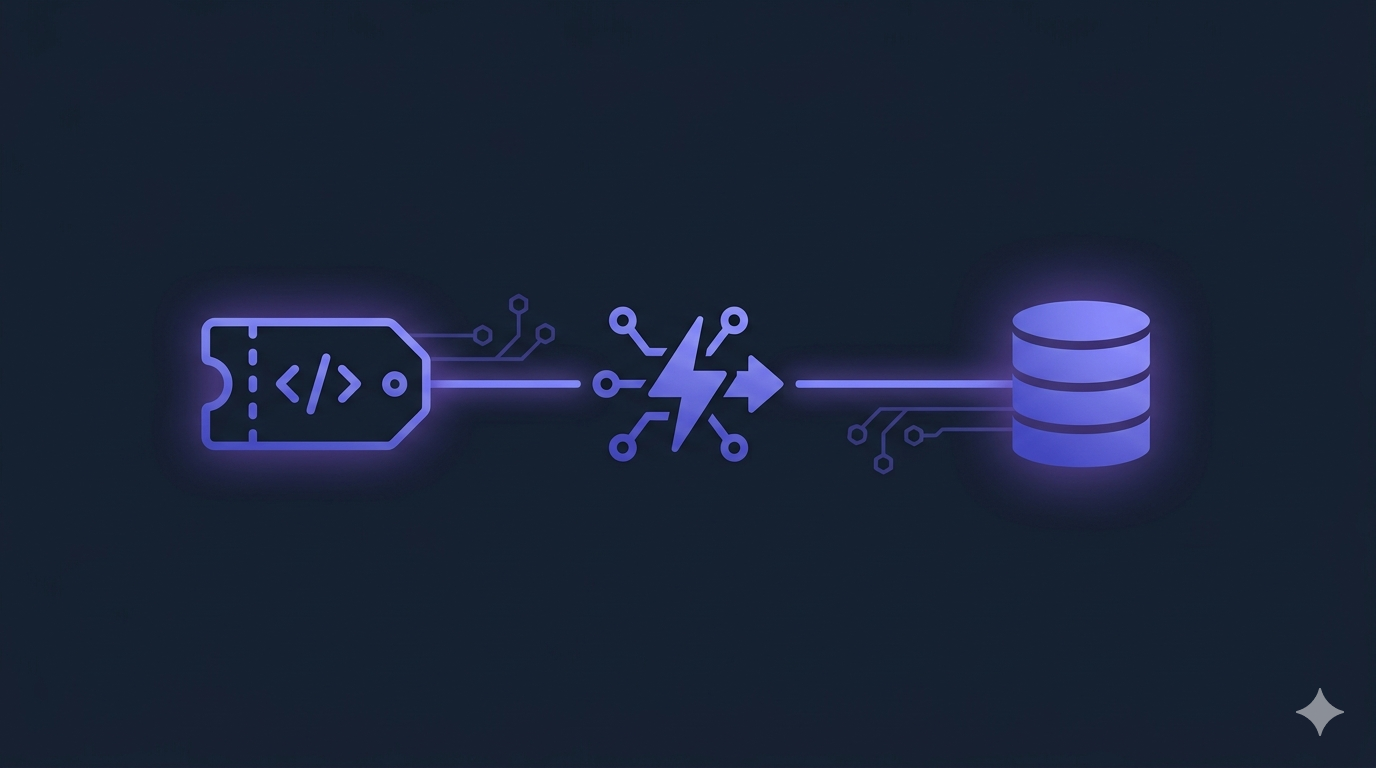
You’re building a SaaS. You want affiliates. You sign up for a third-party platform, paste in an embed snippet, and your program is live in 20 minutes. Six months later you decide to switch tools — better pricing, a feature you need, or the platform gets acquired and the product direction changes. You export your CSV. And then you realize what you’ve actually lost.
The CSV has affiliate names, emails, and a payout history. What it doesn’t have: the actual tracking infrastructure. The referral links are dead. The cookie logic lived on their servers. The conversion attribution pipeline is gone. You don’t just migrate data — you rebuild from scratch. Every affiliate needs a new link. Every integration needs to be rewired. The “switch” that should take a weekend takes a month.
This is the core problem with third-party affiliate platforms that nobody writes about. It’s not just the monthly fee. It’s that switching costs compound invisibly until the day you try to leave.
The Real Cost of Third-Party Affiliate Platforms
Your Data Is Theirs Until You Leave
When you run your affiliate program on a closed-source platform, your conversion events, click logs, affiliate relationships, and commission history all live in their database schema. You get access through their UI and, if you’re lucky, a reasonably complete API.
The moment you stop paying, access is revoked. The CSV they give you is a snapshot — flat, denormalized, stripped of relational context. You lose:
Click-level attribution data: Which specific link, which campaign, which landing page variant drove each conversion.
Time-series granularity: Daily click and conversion curves that let you spot seasonal patterns or campaign spikes.
Custom metadata: Any extra fields you attached to affiliate signups or conversion events.
The tracking layer itself: The referral link format, the cookie domain, the JavaScript snippet. All of it belongs to them.
You can export the ledger. You cannot export the engine.
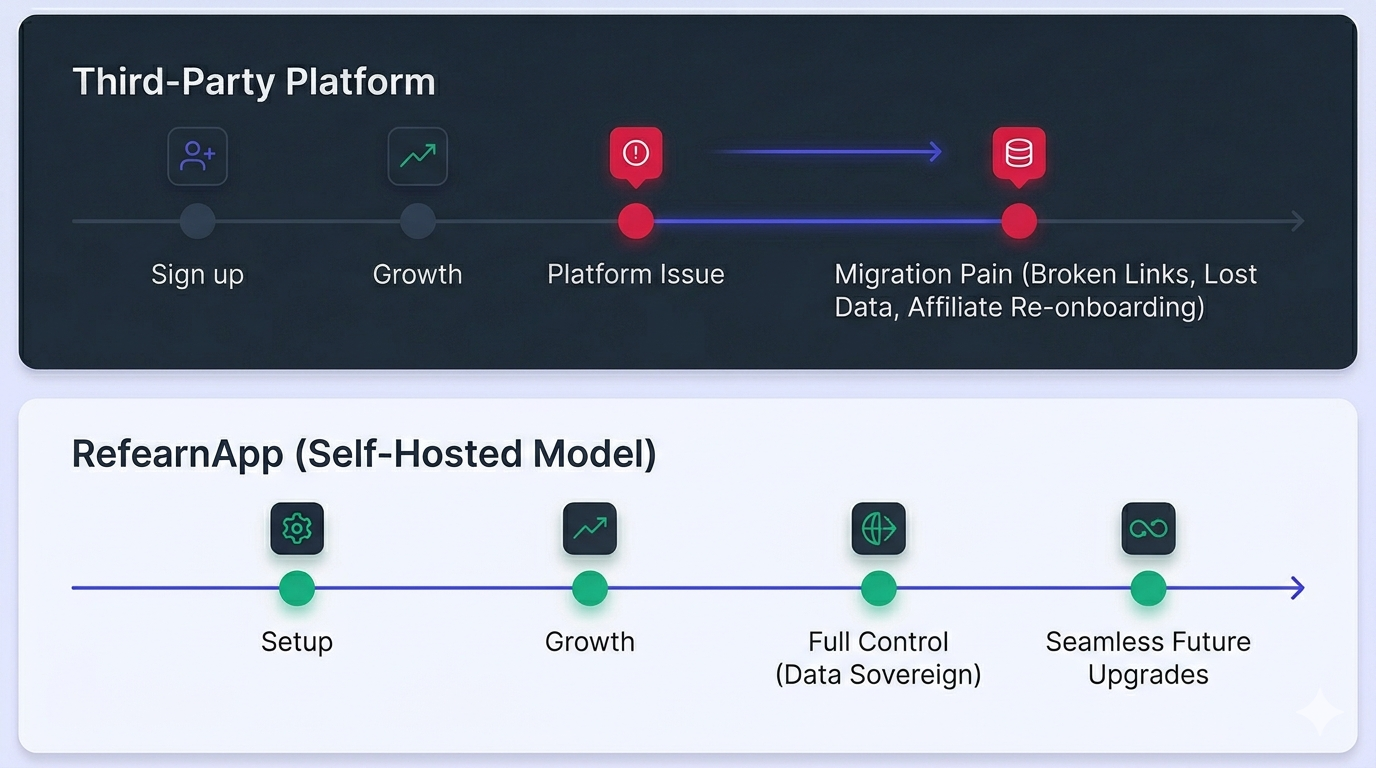
Switching Means Starting Over
Here’s what a migration from a third-party affiliate platform actually looks like in practice:
- Referral links break immediately: Every affiliate has been sharing yourplatform.com/ref/affiliate-slug style links that route through the platform’s redirect infrastructure. Those links die the moment you cancel. Your affiliates are now sending traffic to dead URLs.
- Attribution history is orphaned: Even if you have the CSV, your new system has no way to resolve historical conversions back to the correct affiliate unless you manually re-import and remap every record. Most platforms export commission totals, not the raw conversion events that produced them.
- Affiliate trust takes a hit: You have to email every active affiliate, explain the migration, give them new links, and ask them to update everything they’ve published — blog posts, YouTube descriptions, newsletters. Some won’t. Those referrals are permanently lost.
- You rebuild the integration anyway: The Stripe webhook handler, the checkout metadata, the cookie capture logic — you write all of it fresh regardless of which new platform you move to. The only question is whether you’re writing it to feed another third-party system or your own.
The Lock-In Is Structural, Not Accidental
This isn’t a bug in how these platforms work. It’s the business model. The harder you are to leave, the more pricing power they have over you. A platform that makes migration easy is a platform that competes on merit every renewal cycle. Most don’t want that.
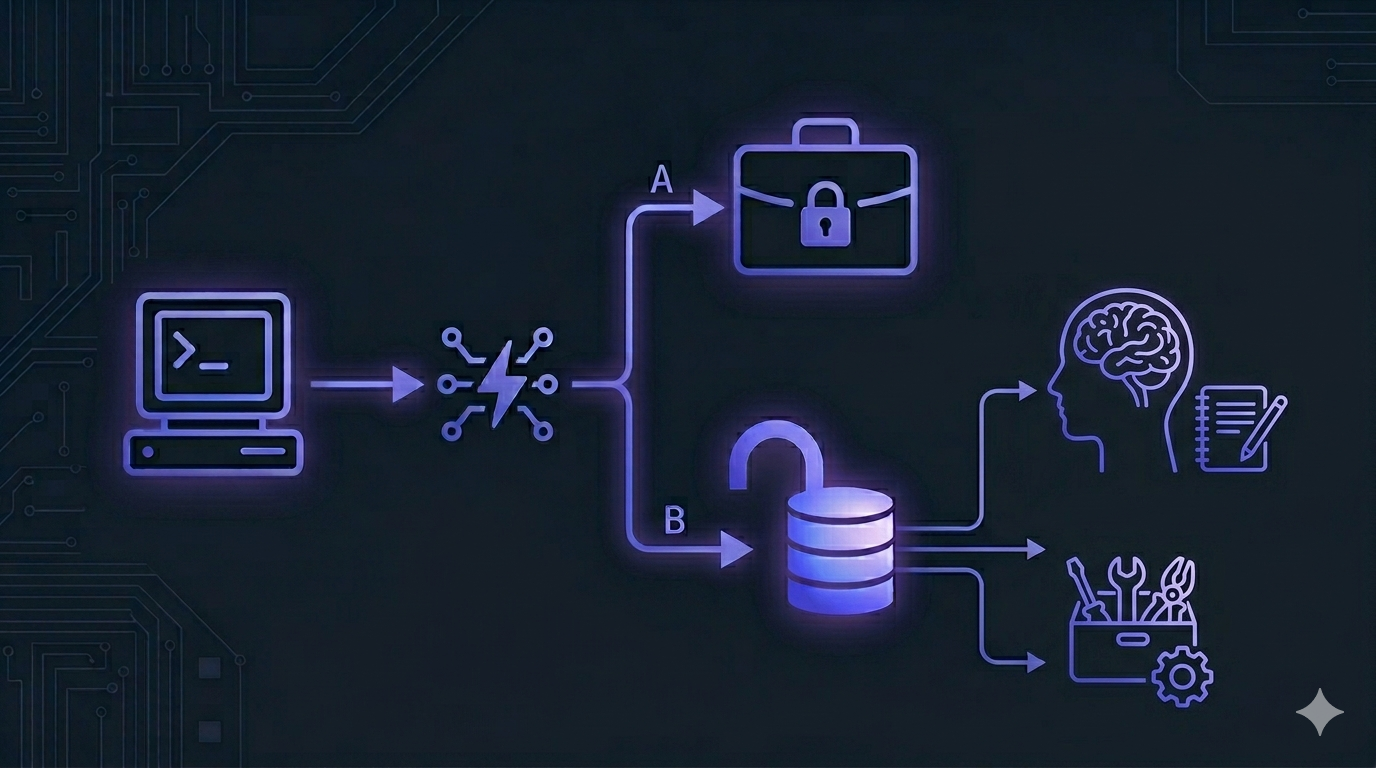
Self-hosted affiliate tracking software eliminates this dynamic entirely. Your data is in your database, in your schema, accessible to your queries. Your tracking logic is in your codebase. Switching tools means updating a config, not rebuilding an affiliate program.
How Affiliate Tracking Actually Works Under the Hood
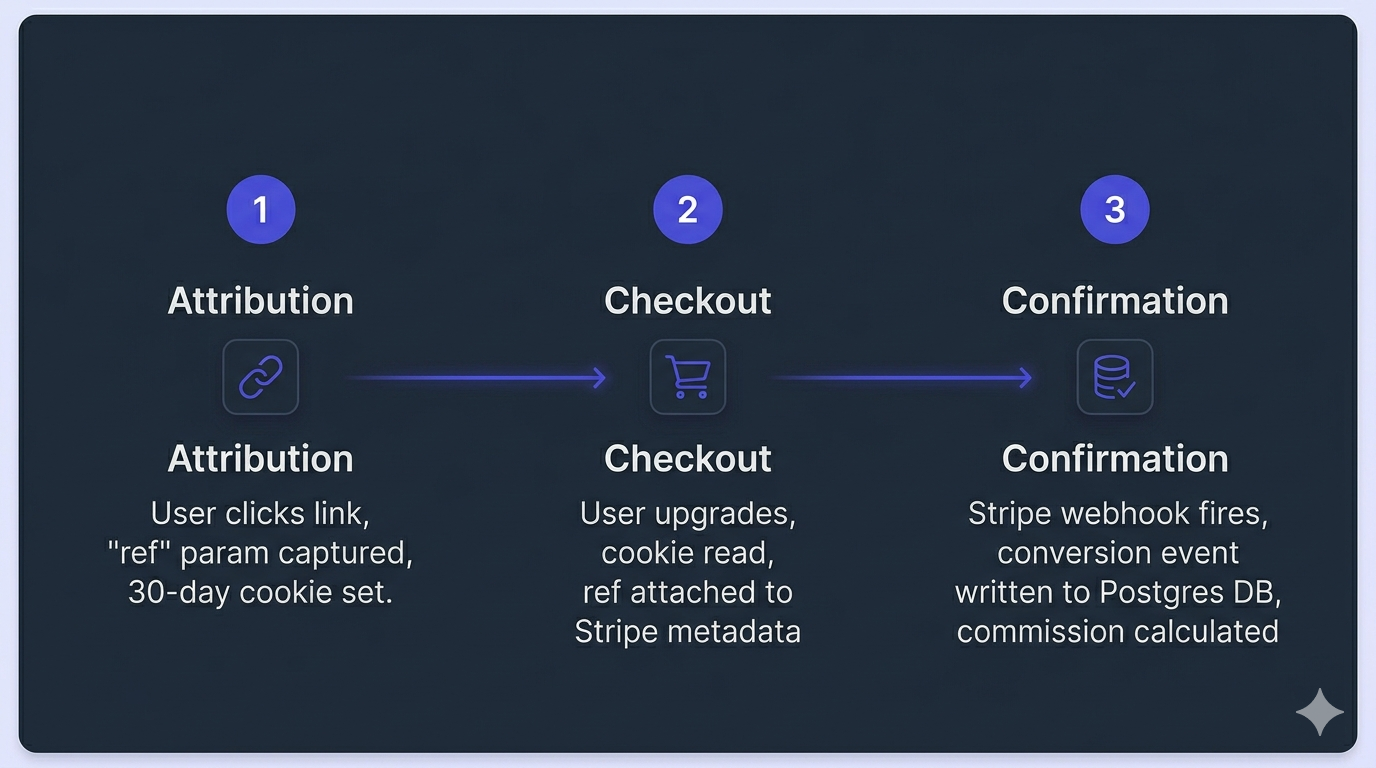
Before you self-host anything, you need a clear mental model of what “affiliate tracking” actually consists of. It’s three distinct components:
Step 1
Attribution
Capturing the Referral via query parameters on landing.
Step 2
Conversion
Linking the paid checkout session to the referral cookie metadata.
Step 3
Confirmation
Webhook-Driven recording of raw subscription & invoice events.
1. Attribution — Capturing the Referral
When a visitor arrives via an affiliate link (yourapp.com?ref=affiliate-slug), something needs to capture that ref parameter and persist it until conversion. The standard approach: read the query param, write it to a cookie with a 30–90 day expiration.
// Simplified attribution logic — runs when a visitor lands
export function captureAffiliateRef(searchParams: URLSearchParams): void {
const ref = searchParams.get('ref');
if (!ref || !isValidSlug(ref)) return;

    // Only set on first touch — first-click attribution
    if (document.cookie.includes('affiliate_ref=')) return;

    const maxAge = 60 * 60 * 24 * 30; // 30 days
    document.cookie = `affiliate_ref=${encodeURIComponent(ref)}; max-age=${maxAge}; path=/; SameSite=Lax`;
  }

  function isValidSlug(slug: string): boolean {
    return /^[a-zA-Z0-9][a-zA-Z0-9-]{1,39}$/.test(slug);
  }
First-click attribution (shown above) gives credit to the first affiliate who drove the visit. The cookie isn’t overwritten if it already exists. This is the most common and fair model for SaaS affiliate programs.
2. Conversion — Linking the Payment
When the user completes a paid action, you read the cookie and attach the affiliate reference to the payment event. With Stripe, this means passing it as session metadata at checkout creation, then reading it back in the webhook.
import { NextRequest, NextResponse } from 'next/server';
import Stripe from 'stripe';

const stripe = new Stripe(process.env.STRIPE_SECRET_KEY!, {
apiVersion: '2024-11-20',
});

  export async function POST(request: NextRequest): Promise<NextResponse> {
    // Read the affiliate cookie from the incoming request
    const affiliateRef = request.cookies.get('affiliate_ref')?.value ?? null;

    const sessionParams: Stripe.Checkout.SessionCreateParams = {
      mode: 'subscription',
      line_items: [{ price: process.env.STRIPE_PRICE_ID!, quantity: 1 }],
      success_url: `${process.env.NEXT_PUBLIC_APP_URL}/dashboard?session_id={CHECKOUT_SESSION_ID}`,
      cancel_url: `${process.env.NEXT_PUBLIC_APP_URL}/pricing`,
    };

    if (affiliateRef) {
      // Attach to session — readable in checkout.session.completed webhook
      sessionParams.metadata = { affiliate_ref: affiliateRef };

      // Attach to subscription — readable on every invoice for recurring commissions
      sessionParams.subscription_data = {
        metadata: { affiliate_ref: affiliateRef },
      };
    }

    const session = await stripe.checkout.sessions.create(sessionParams);
    return NextResponse.json({ url: session.url });
  }
Why attach to both session and subscription? The checkout.session.completed event fires once. But if you’re paying recurring commissions (e.g., 20% of every renewal), you need the ref on the subscription object so it’s available on every invoice.payment_succeeded event going forward.
3. Confirmation — Webhook-Driven Commission Recording
Never trust the client-side success page for conversion confirmation. Users close tabs, skip redirects, or hit back. The Stripe webhook is the authoritative signal.
import { NextRequest, NextResponse } from 'next/server';
import Stripe from 'stripe';

const stripe = new Stripe(process.env.STRIPE_SECRET_KEY!, {
apiVersion: '2024-11-20',
});

  export async function POST(request: NextRequest): Promise<NextResponse> {
    const body = await request.text();
    const sig = request.headers.get('stripe-signature');

    if (!sig) return NextResponse.json({ error: 'No signature' }, { status: 400 });

    let event: Stripe.Event;
    try {
      event = stripe.webhooks.constructEvent(body, sig, process.env.STRIPE_WEBHOOK_SECRET!);
    } catch {
      return NextResponse.json({ error: 'Invalid signature' }, { status: 400 });
    }

    // Initial conversion
    if (event.type === 'checkout.session.completed') {
      const session = event.data.object as Stripe.Checkout.Session;
      const ref = session.metadata?.affiliate_ref;

      if (ref && session.amount_total) {
        await db.affiliateConversion.create({
          data: {
            affiliateSlug: ref,
            stripeSessionId: session.id,
            stripeCustomerId: session.customer as string,
            amountCents: session.amount_total,
            commissionCents: Math.floor(session.amount_total * 0.2), // 20% commission
            status: 'pending',
            convertedAt: new Date(),
          },
        });
      }
    }

    // Recurring commissions
    if (event.type === 'invoice.payment_succeeded') {
      const invoice = event.data.object as Stripe.Invoice;
      const sub = await stripe.subscriptions.retrieve(invoice.subscription as string);
      const ref = sub.metadata?.affiliate_ref;

      if (ref && invoice.amount_paid) {
        await db.affiliateCommission.create({
          data: {
            affiliateSlug: ref,
            stripeInvoiceId: invoice.id,
            amountCents: invoice.amount_paid,
            commissionCents: Math.floor(invoice.amount_paid * 0.2),
            type: 'recurring',
            status: 'pending',
            paidAt: new Date(),
          },
        });
      }
    }

    return NextResponse.json({ received: true });
  }
The Database Schema You Actually Own
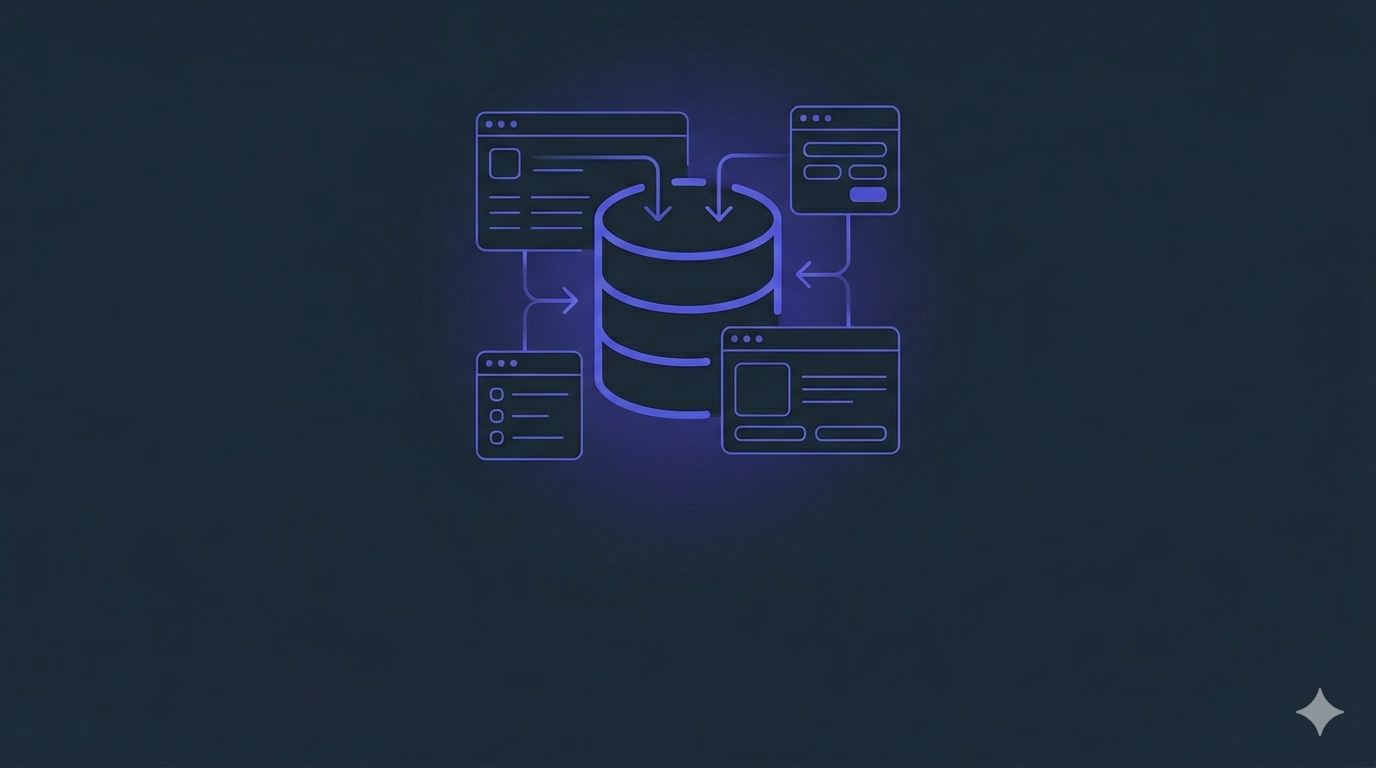
This is what your data looks like when it lives in your own Postgres instance — queryable, JOIN-able, fully yours:
-- Affiliates
CREATE TABLE affiliates (
id              UUID PRIMARY KEY DEFAULT gen_random_uuid(),
slug            TEXT UNIQUE NOT NULL,        -- The ?ref= value
name            TEXT NOT NULL,
email           TEXT UNIQUE NOT NULL,
commission_rate NUMERIC(5,4) DEFAULT 0.20,  -- 20%
created_at      TIMESTAMPTZ NOT NULL DEFAULT NOW()
);

  -- One-time conversions
  CREATE TABLE affiliate_conversions (
    id                   UUID PRIMARY KEY DEFAULT gen_random_uuid(),
    affiliate_id         UUID NOT NULL REFERENCES affiliates(id),
    stripe_session_id    TEXT UNIQUE NOT NULL,
    stripe_customer_id   TEXT NOT NULL,
    amount_cents         INTEGER NOT NULL,
    commission_cents     INTEGER NOT NULL,
    status               TEXT NOT NULL DEFAULT 'pending', -- pending | paid | reversed
    converted_at         TIMESTAMPTZ NOT NULL,
    paid_at              TIMESTAMPTZ
  );

  -- Recurring commission events
  CREATE TABLE affiliate_commissions (
    id               UUID PRIMARY KEY DEFAULT gen_random_uuid(),
    affiliate_id     UUID NOT NULL REFERENCES affiliates(id),
    stripe_invoice_id TEXT UNIQUE NOT NULL,
    amount_cents     INTEGER NOT NULL,
    commission_cents INTEGER NOT NULL,
    type             TEXT NOT NULL DEFAULT 'recurring',
    status           TEXT NOT NULL DEFAULT 'pending',
    paid_at          TIMESTAMPTZ NOT NULL
  );

  CREATE INDEX idx_conversions_affiliate ON affiliate_conversions(affiliate_id);
  CREATE INDEX idx_commissions_affiliate ON affiliate_commissions(affiliate_id);
  CREATE INDEX idx_conversions_status ON affiliate_conversions(status);
When your data is in a schema you control, cross-referencing affiliate performance against churn, LTV, or plan type is a SQL query, not a support ticket.
The Build-vs-Deploy Calculation
Here’s the honest breakdown of what building affiliate tracking yourself actually costs vs. utilizing ready-made systems:
| Component | DIY Effort | Notes |
|---|---|---|
| Cookie Capture Logic | ~1 hour | Straightforward browser injection layer |
| Stripe Checkout Pass | ~2 hours | Attaches directly to metadata blocks |
| Stripe Webhook Handler | ~2 hours | State validation checking engine |
| Database Migrations | ~1 hour | Basic relational layout schemas |
| Affiliate Portal UI | 80–150 hours | Complex multi-tenant analytics dashboard |
| Payout Management Queue | 40–80 hours | Approve, reject, ledger line handling UIs |
| Email Alerts Engine | 20–40 hours | Lifecycle notification sequences |
The tracking code is 8 hours of work. The surrounding infrastructure — the portal your affiliates actually log into, the payout queue, the notification emails — is where real time disappears. That’s not a reason to use a third-party platform. It’s a reason to use open-source self-hosted infrastructure that ships all of it already built.
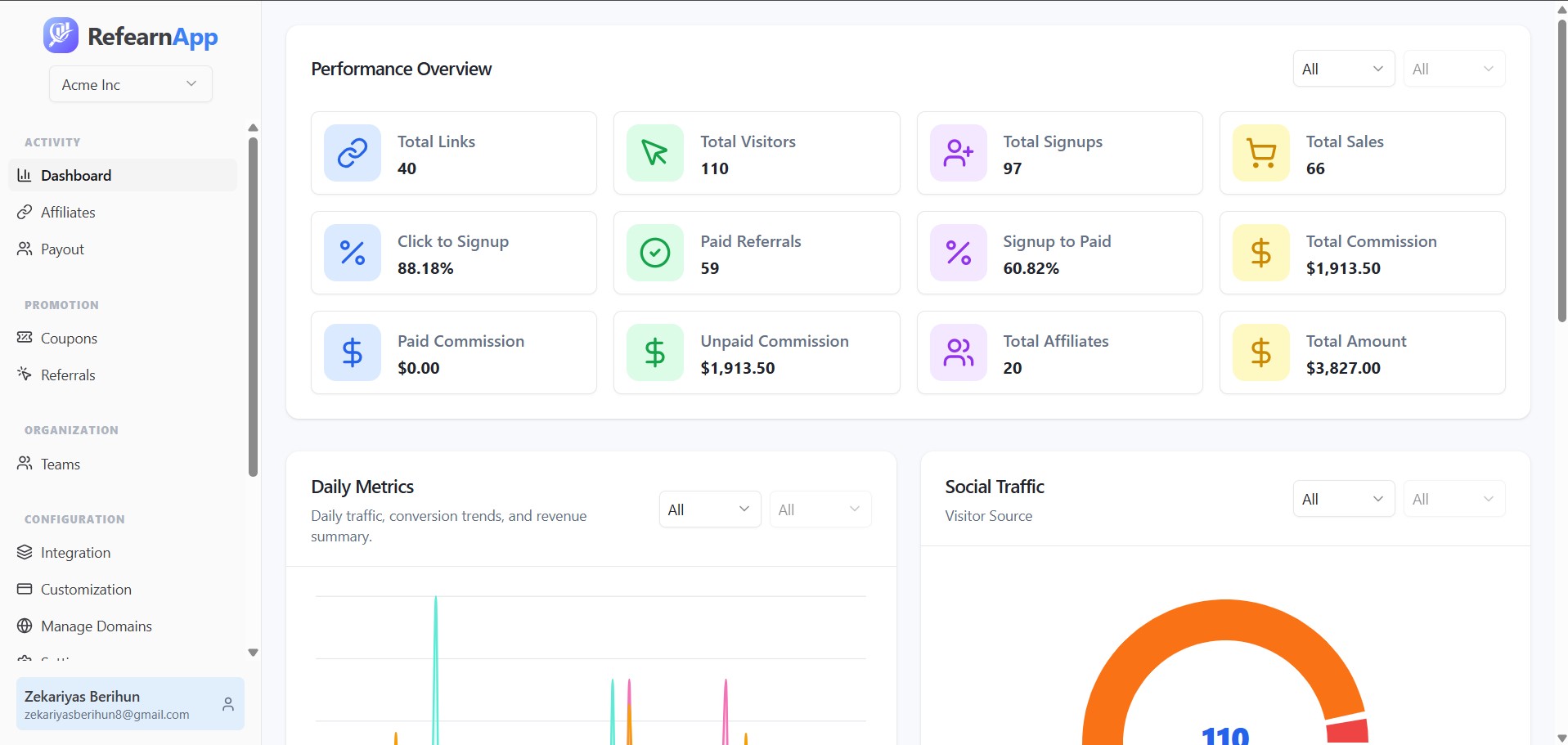
Enter RefearnApp
Core Platform Benefits:
- Affiliate Portal out of the box: Your affiliates get a real dashboard to track clicks, conversions, and metrics without you coding a line.
- Flexible Commission Engine: Handles configured percentage and flat-rate tracking metrics with subscription sync automatically.
- Full Data Sovereignty: Hosted directly in your Postgres instance inside your private cloud. You query, back up, or expand it easily.
- Zero Revenue Cut Taxes: Scale multi-tenant tracking platforms horizontally without paying recurring operational platform cuts.
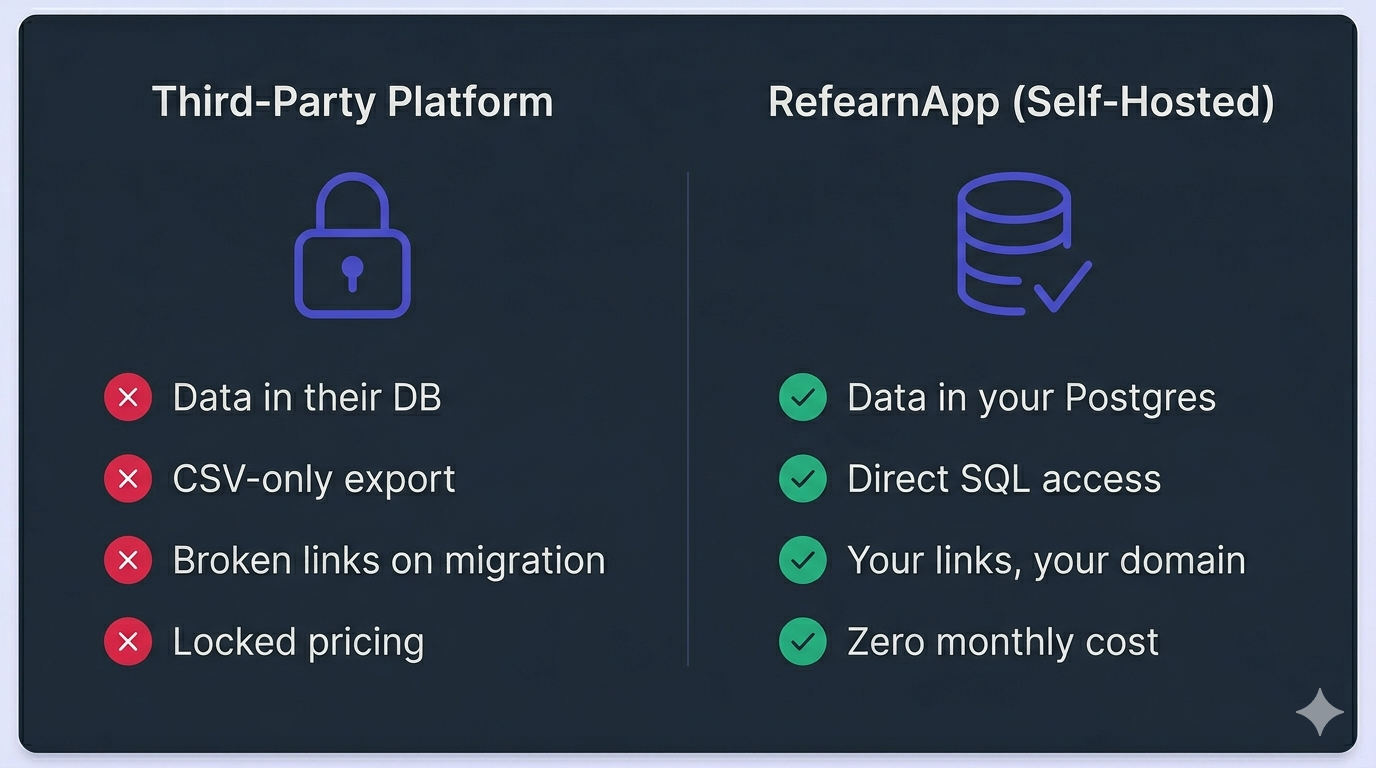
The critical difference from third-party platforms: if you ever need to change tools, extend functionality, or migrate to a different payment processor, you’re modifying TypeScript in a repo you own. Not starting over.
Production Configuration & Deployment
Because RefearnApp is a standard Next.js application, you can host your instance seamlessly alongside your core platform on platforms like Vercel, Railway, or Fly.io.
Once you have cloned your personal fork, copy the environment template file:
cp .env.example .envOpen your newly created .env file and configure your system connection strings. Make sure your production database URL points to your isolated or shared Postgres instance:
DATABASE_URL="postgresql://user:password@host:5432/refearnapp"
STRIPE_SECRET_KEY="sk_live_..."
STRIPE_WEBHOOK_SECRET="whsec_..."
NEXTAUTH_SECRET="your-super-secret-key-here"
NEXT_PUBLIC_APP_URL="https://affiliates.yourapp.com"
With variables secured, initialize your database schema layouts using Drizzle/Prisma tools, compile the high-performance production build optimized for low-latency delivery, and boot the cluster:
# Install project dependencies
pnpm install

# Push schema layout structures directly to your Postgres DB
pnpm db:push

# Build and execute the production server build
pnpm build
pnpm start
Summary & Next Steps
Third-party affiliate platforms don’t just cost money. They cost optionality. The moment you decide to switch — and eventually you will — you discover that the real asset wasn’t the dashboard or the payout UI. It was the tracking layer underneath: the referral links, the cookie logic, the attribution pipeline. All of it belongs to them.
Self-hosted affiliate tracking software means your referral links are on your domain, your conversion data is inside your database, and switching costs drop to near zero.
Ready to Build Without Subscription Limits?
RefearnApp is fully open-source, self-hostable, and AGPL-3.0 licensed. You can deploy it completely free on your own infrastructure using Coolify or follow our step-by-step setup walkthrough.
Self-Hosted Open Source
Deploy directly on your own VPS via Coolify. Enjoy 100% data ownership.
Managed RefearnApp Cloud
Get up and running instantly. Skip the manual environment configuration, provisioning, and setup tasks with a fully turnkey, zero-config deployment.
Try Managed Cloud